

 Sign in to convert
 Temporary workspace
Convert an Autodesk Inventor IPT part or IAM assembly to STEP. An IPT gives an exact STEP when its B-Rep is read completely; an IAM, and any part that does not qualify, exports a mesh STEP built from the display triangles Inventor saved. View and measure without an account; sign in to convert.
What the STEP export contains
Exact STEP keeps surfaces and edges, so CAD and CAM applications can use it as solid geometry. Mesh STEP stores display triangles in a STEP file: suitable for visual review and overall size, not for machining features or surface edits. The Convert dialog offers exact STEP only when it is available for the uploaded file; STL, OBJ and GLB come from the same preview.
IPT parts
CADProps reads the IPT body in-house. When every face is rebuilt, exact STEP is offered; otherwise the export is a mesh STEP. Parts saved without display geometry show their saved thumbnail.
IAM assemblies
Upload the IAM, or a ZIP with the top-level IAM and referenced IPT and IAM files keeping relative folders. CADProps shows the components it can read and warns when references are missing. The STEP export is a mesh STEP of the loaded components; for exact assembly geometry, ask for a STEP export from Inventor.
STEP does not carry Inventor history
The translation does not reproduce Inventor sketches, constraints, parameters, iProperties or native feature history as editable source features. Keep the IPT/IAM package as the editable source.
Verify the output
Compare one known dimension, expected bodies/components, assembly placement and one or two functional features. Reopen the STEP in the receiving application where practical.
Input formats: IPT / IAM
General steps for uploading, viewing, sectioning, measuring, converting and exporting are explained once in How it works. This page covers what is specific to this file type.
Real CADProps screenshots
The screenshots show the English interface. Captions and instructions describe the same operations.
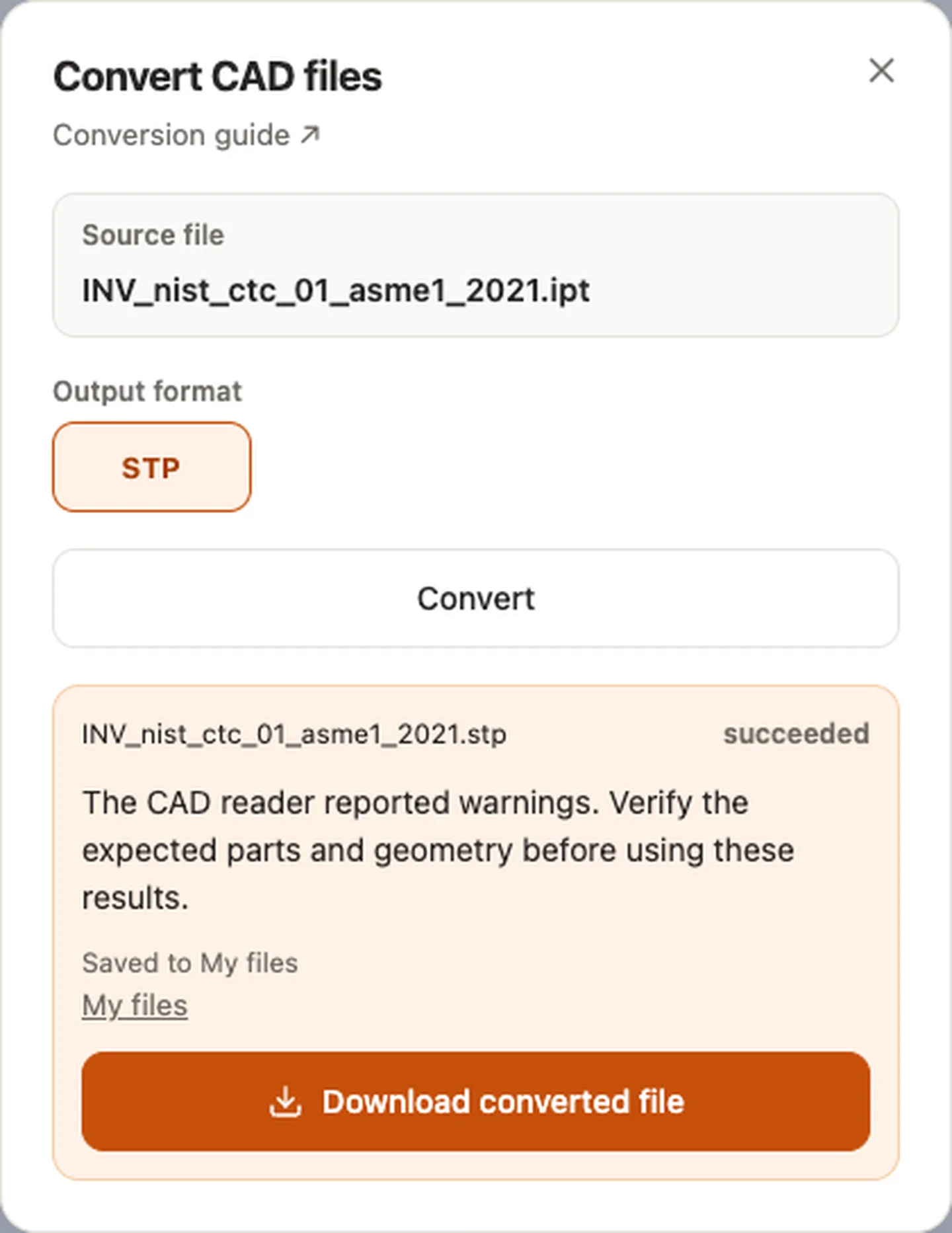
Sample source and verification
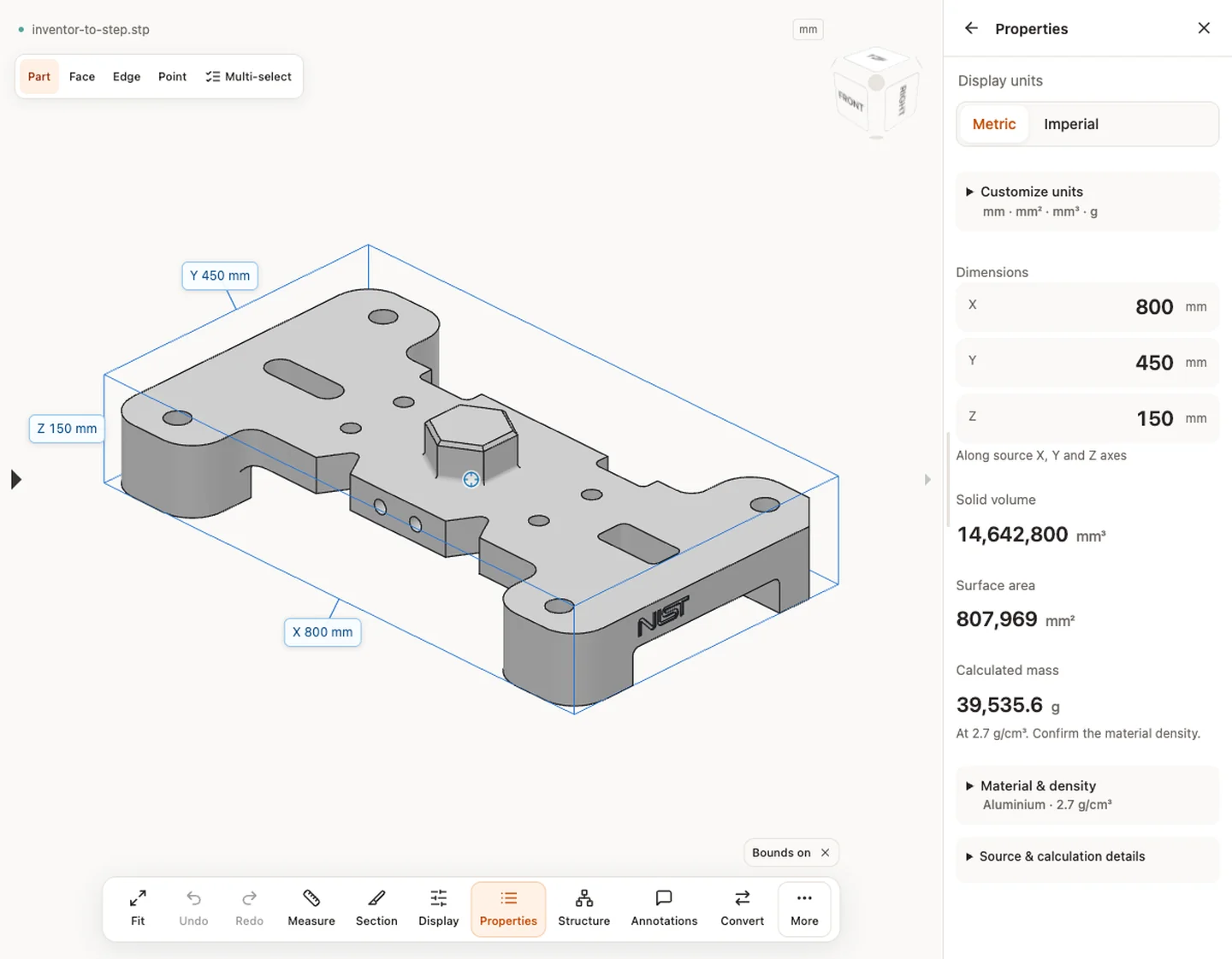
When a result needs another check
Viewing can start without an account. Conversion, account storage and share creation require signing in. Temporary files expire after the displayed retention period. Read the privacy statement for server processing and deletion, and the accuracy notes before using numerical results. Do not assume that hiding a part, clipping it or exploding an assembly changes the exported source geometry.
When a result needs another check · Input formats
Continue with a related task
- IPT Viewer Online: Open Autodesk Inventor Parts & IAM
- STEP Viewer Online: Open STP Files & Measure CAD
- STEP File Dimensions Online: Measure X, Y, Z & Distances
Original article: CADProps · https://www.cadprops.com/tools/inventor-to-step/

