

 Sign in to convert
 Temporary workspace
Convert STEP/STP CAD models to downloadable STL meshes. Check dimensions and choose the correct units before 3D printing.
Upload and inspect your model
Upload a supported file or a ZIP containing the root assembly and its referenced components. The workspace provides the currently validated conversion formats.
Download the converted file
Select the source and output format, start conversion and download the result. A format with companion files is delivered as a ZIP. Conversion does not recover the original feature tree.
Partial assemblies remain useful
When components are missing, available geometry can still be viewed and downloaded with an incomplete-assembly warning. Dimensions, volume and mass describe loaded geometry only. A file with no usable geometry cannot be displayed.
Input formats: STEP / STP
General steps for uploading, viewing, sectioning, measuring, converting and exporting are explained once in How it works. This page covers what is specific to this file type.
Real CADProps screenshots
The screenshots show the English interface. Captions and instructions describe the same operations.
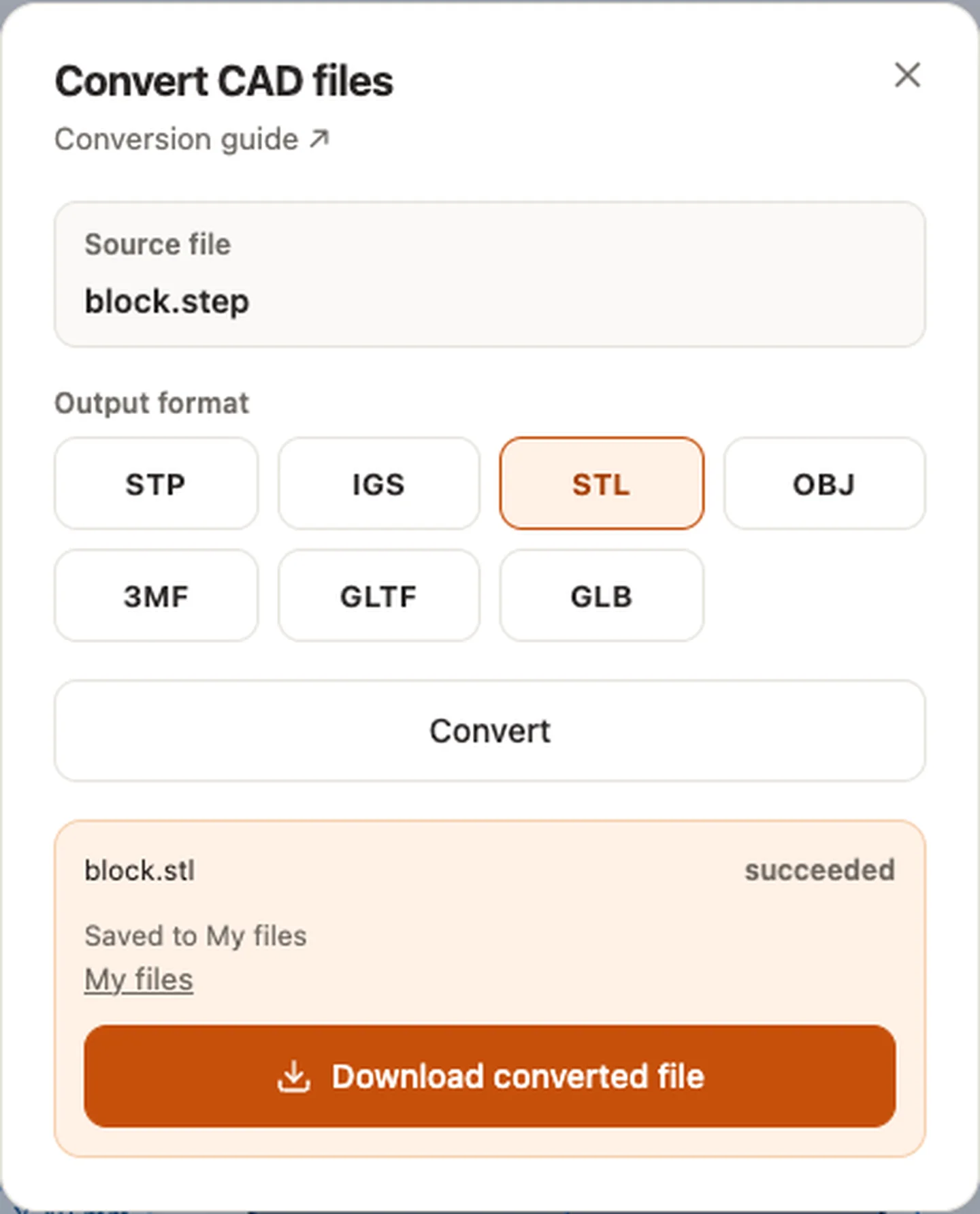
Sample source and verification
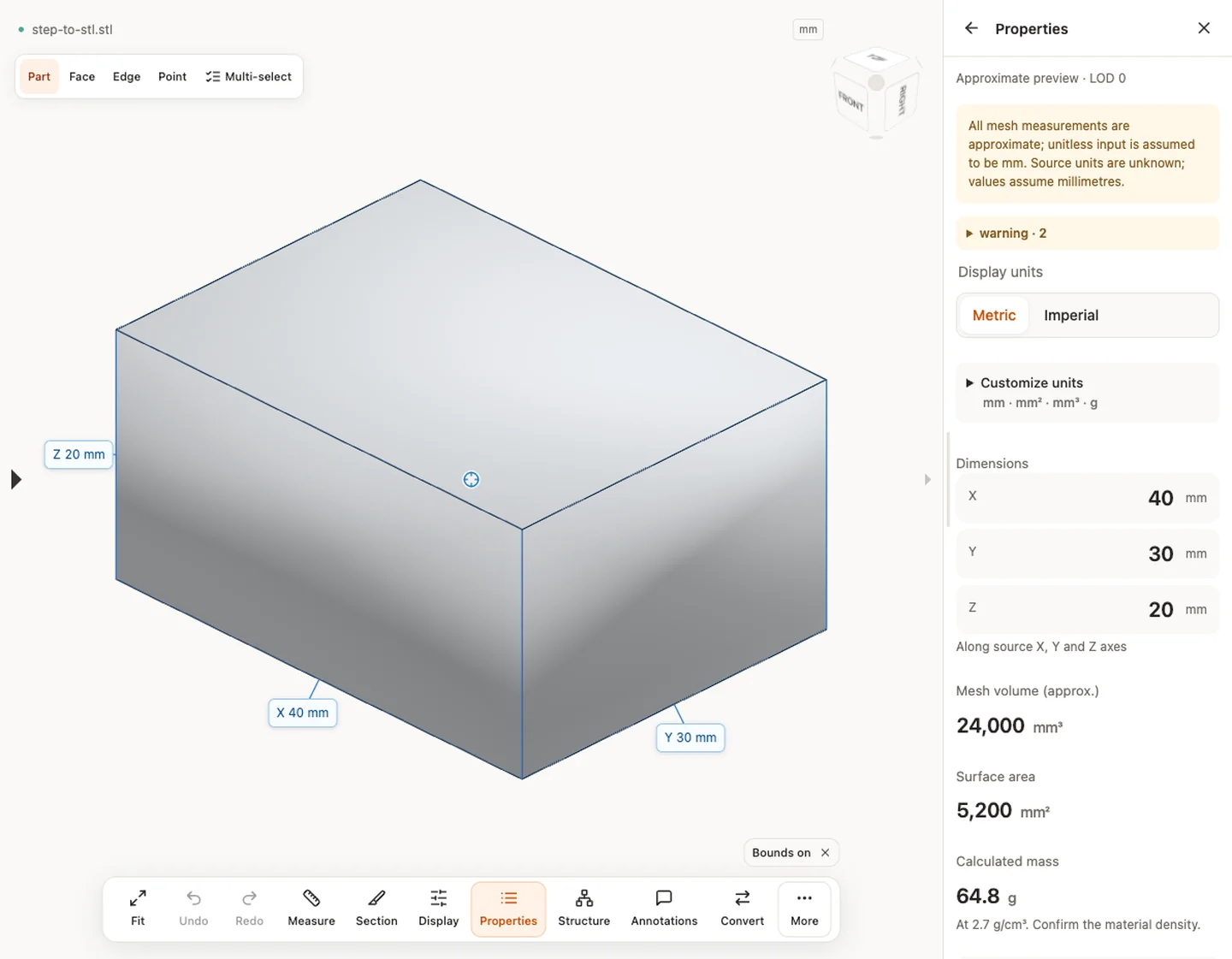
When a result needs another check
Viewing can start without an account. Conversion, account storage and share creation require signing in. Temporary files expire after the displayed retention period. Read the privacy statement for server processing and deletion, and the accuracy notes before using numerical results. Do not assume that hiding a part, clipping it or exploding an assembly changes the exported source geometry.
When a result needs another check · Input formats
Continue with a related task
- STL Viewer Online: Mesh Dimensions, Area & Volume
- STEP Viewer Online: Open STP Files & Measure CAD
- STEP File Dimensions Online: Measure X, Y, Z & Distances
Original article: CADProps · https://www.cadprops.com/tools/step-to-stl/


